

Registration and Installation
To use the platform for free for non-commercial purposes, you must register. Then you can optionally use our coding studio (web-based IDE) or install the Python SDK package and authenticate your account. This page guides you through the steps.Registration
At platform.classiq.io, click Sign Up. Approve the terms of use and register with your Google/Microsoft account or any other email: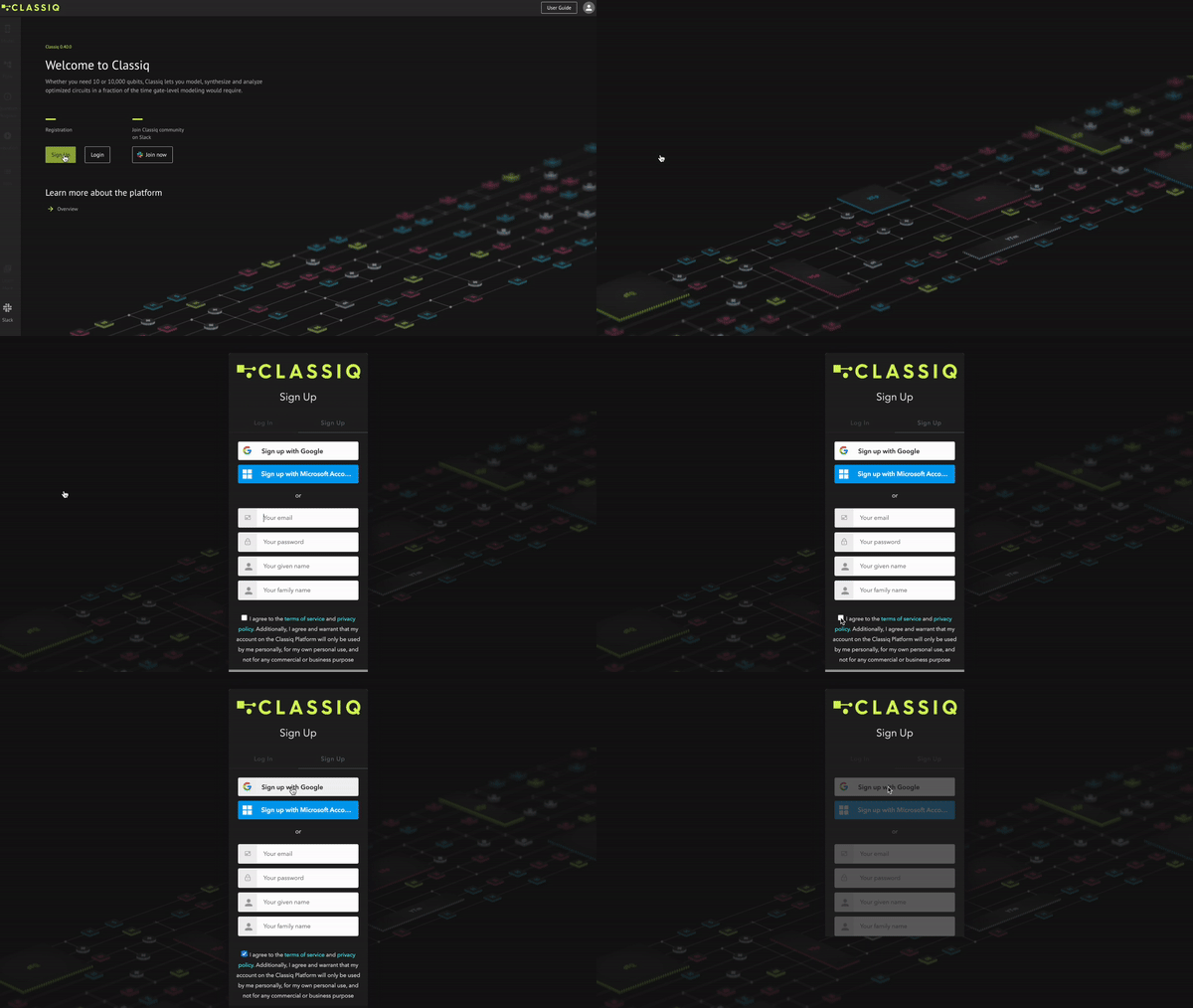
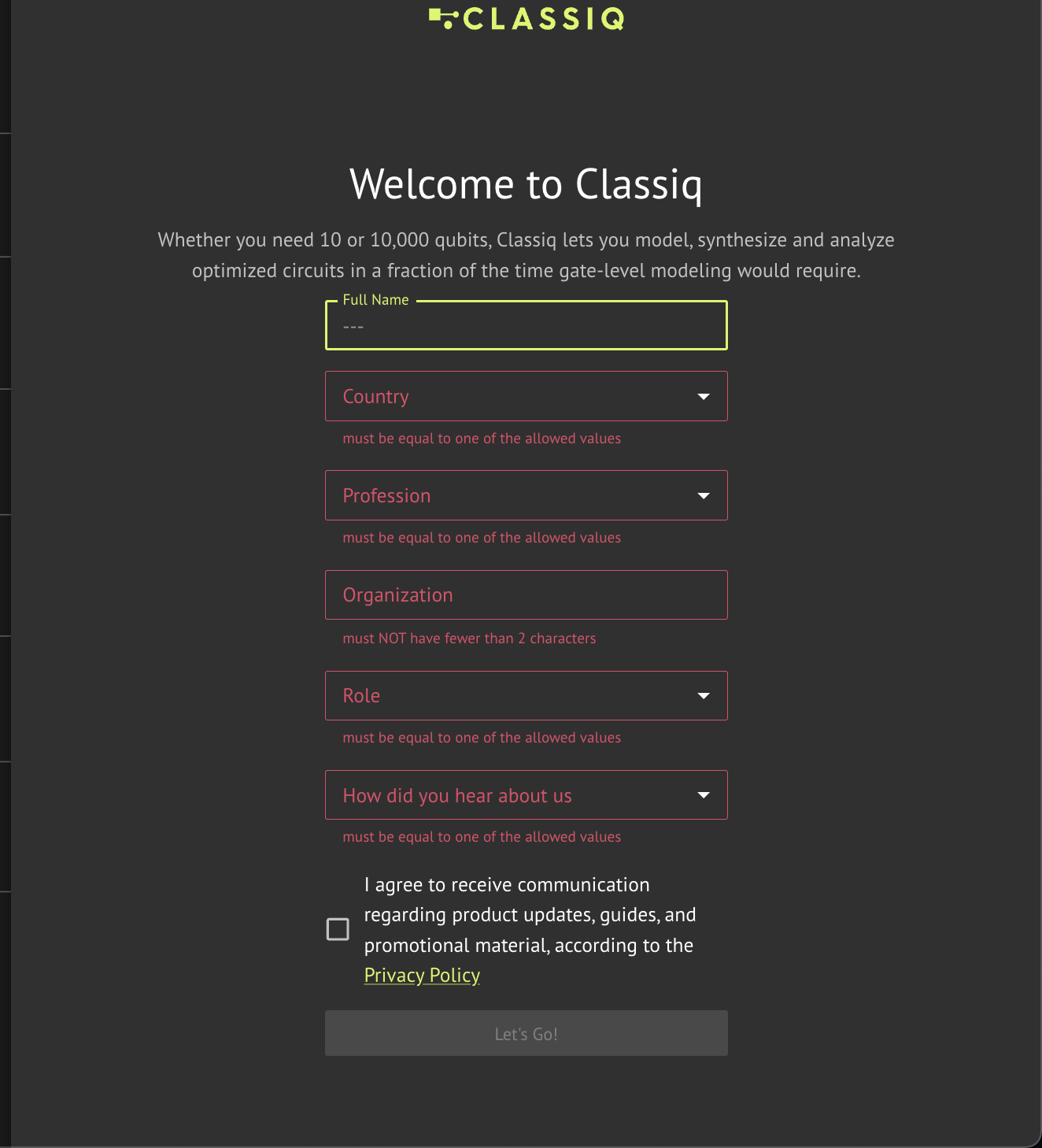
Slack Registration
Classiq has a vibrant and active Slack community that is helpful for technical questions and support, as well as for general quantum computing questions and discussions. To join, click here and sign up to the Classiq Community Slack workspace with your Google/Apple account or a general email address: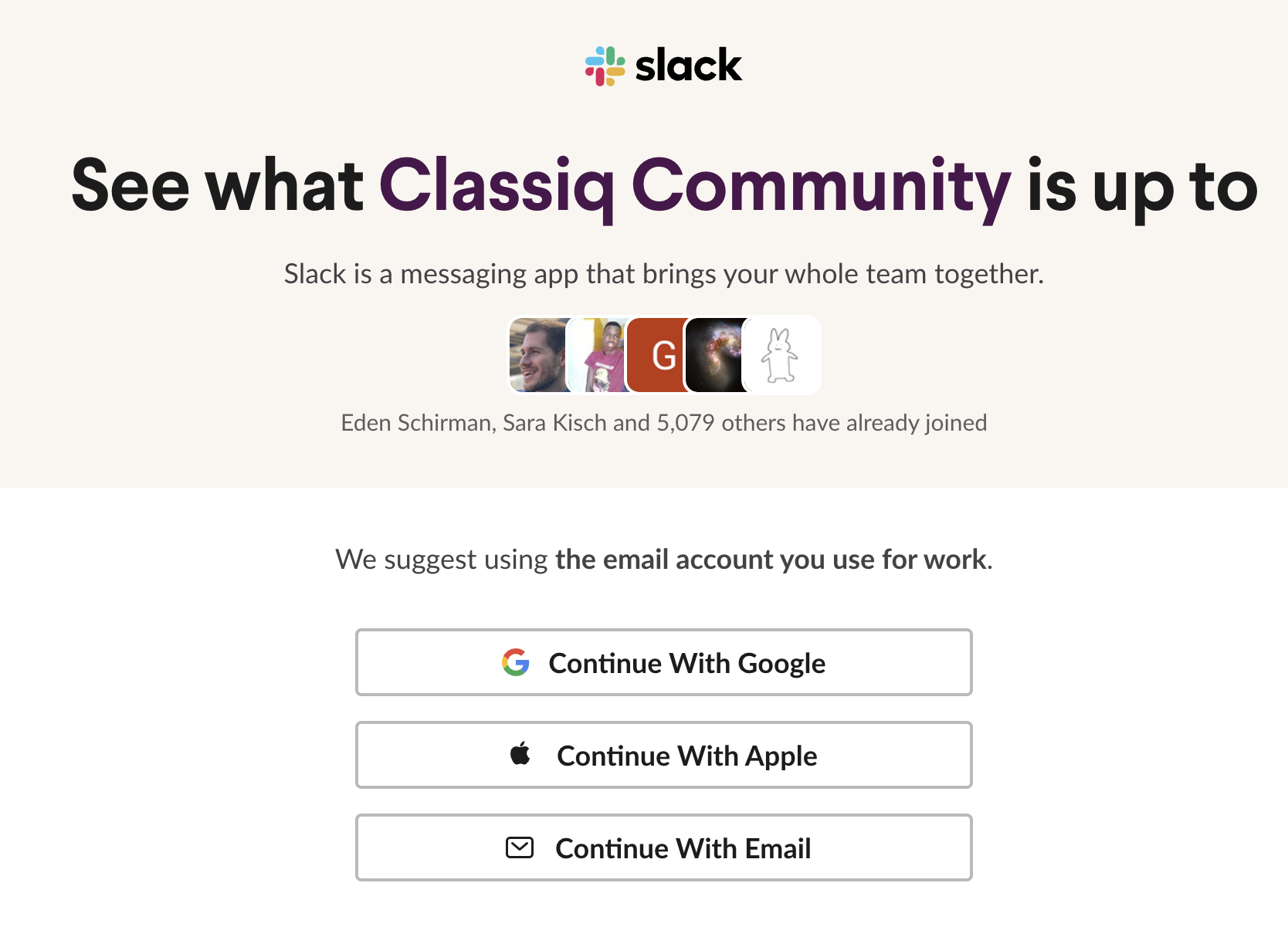
Studio
The platform has a web-based code editor, that allows you to create and run Python code with a pre-set environment. You can access it through the platform. For more information check out our Studio user guidePython SDK Installation
The platform has an accompanying Python SDK package that is integrated with the platform. After registering to the platform, install the SDK package usingpip:
NOTE - The SDK is currently supported for Python versions 3.8 to 3.12.
pip install options
pip install options
Run
Make sure you are within the appropriate Python environment.
pip install -U classiq in your command line, or use !pip install -U classiq from your Python IDE.Make sure you are within the appropriate Python environment.
Authentication
Authenticate the device with your Classiq account. In Python, run these lines: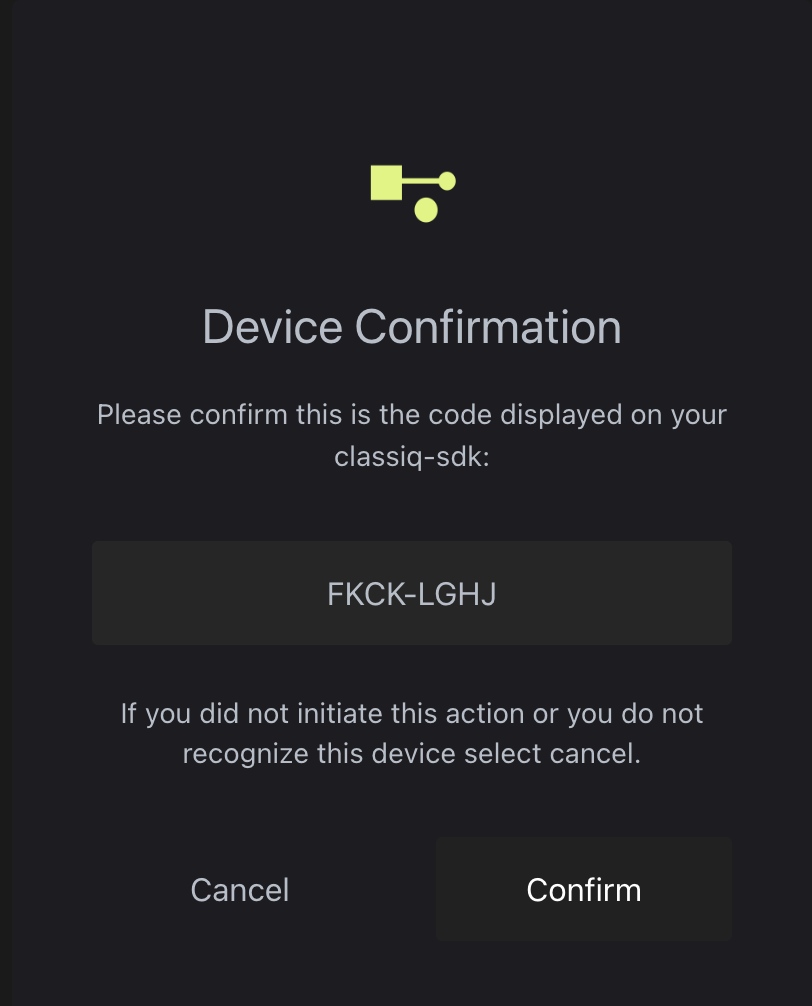
Platform Version Updates
Every few weeks a new version of the platform launches. The web-based IDE at platform.classiq.io automatically updates. Update the Python SDK package manually with this command:DESIRED_VERSION with the number of your desired version, e.g. 0.40. You can check what version of Classiq is installed with:
0.41, only versions 0.41, 0.40, and 0.39 are supported.
*Once version 0.52 is released - execution of quantum programs with older SDK versions might result in errors or unexpected behavior. To ensure proper execution, upgrade your SDK to the latest version.
Python SDK Installation Troubleshooting
Device is Not Authenticated
Device is Not Authenticated
Try to use the following command in Python:
Authentication on Headless LINUX Systems
Authentication on Headless LINUX Systems
The authentication procedure on headless Linux systems stores the tokens locally in a credentials file. While you must still run the authentication once, it can be done on another system with a browser.
Confidential Information Pop Up on Apple computers
Confidential Information Pop Up on Apple computers
On some Apple computers, the following might pop up: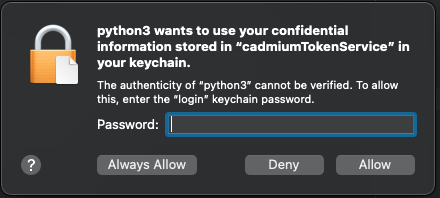 Make sure to type your device password and click
Always Allow twice.